7 AI Tools to Help You Create & Sell Digital Products on Teachable
A few years ago, “creating a course” sounded a lot simpler than it actually was.
You’d have an idea in the shower, jot it down in the Notes app on your phone, and suddenly convince yourself you were just a few videos away from passive income.
Then reality hit.

Now you needed:
a curriculum
slides
workbooks
emails
graphics
captions
a sales page
a checkout flow
onboarding
social media content
and somehow… the energy to actually market the thing after spending weeks building it
For a lot of creators, the issue isn’t expertise. It’s friction.
The friction of turning what’s in your head into something organized, polished, and sellable.
That’s where AI tools can actually be incredibly helpful.
Not because they replace your voice, creativity, or expertise, but because they can reduce the repetitive tasks that slow creators down in the first place.
And when paired with a platform like Teachable, these tools can help creators spend less time stuck in the weeds and more time teaching, connecting, and selling their knowledge.
Here are 7 AI tools course creators can use alongside Teachable to simplify workflows, speed up production, and support their online business.
This blog post is sponsored by Teachable
As a longtime Teachable creator myself, I’ve used their platform to power everything from $29 mini-offers to multi-thousand-dollar programs. Teachable handles the tech—from checkout to delivery—so I can focus on creating content that actually helps people.
Partnering with Teachable for this post lets me show you how pairing their platform with automation tools can transform the way you sell and serve your students. We do earn an affiliate payment at no extra cost to you should you sign up. Read our affiliate disclaimer.
1. ChatGPT: Best for Ideation, Repurposing & Fast Drafting
ChatGPT is the first tool I turn to in my creator business. I consider it my brainstorming partner.
ChatGPT excels at helping creators get unstuck quickly. It’s especially useful for transforming existing content into multiple assets instead of constantly starting from scratch.
For example, a single Teachable lesson could become:
an email newsletter
several Instagram captions
a lead magnet idea
a blog post outline
sales page FAQs
YouTube descriptions
podcast talking points
Instead of staring at a blinking cursor trying to reinvent the wheel every week, creators can use ChatGPT to accelerate the first draft process.
One of my favorite ways to use it is for repurposing.
You can paste in a lesson transcript and prompt it with something like:
“Turn this lesson into a 3 email sales sequence sharing the high levels of this concept, and directing them to my course to dive deeper into the topic.”
Suddenly, the course content you already created becomes the foundation for your marketing strategy.
That’s one of the smartest ways to use AI as a creator: not creating more from scratch, but getting more mileage out of what already exists.
When paired with Teachable, ChatGPT can help creators continuously market and support the digital products they already sell instead of feeling pressured to constantly create something new.
2. Claude: Best for Organization, Clarity & Curriculum Structuring
If ChatGPT is the brainstorming partner, Claude feels more like the developmental editor.
Claude is especially good at helping creators organize large amounts of information into something more structured and coherent.
That’s incredibly valuable when you’re building educational products.
Most creators don’t start with perfectly organized curriculum outlines. They start with:
voice notes
random Google Docs
half-written bullet points
workshop transcripts
sticky notes
screenshots
ideas scribbled down at 1am
Claude is excellent at helping turn that chaos into structure.
Creators can use it to:
organize lessons into modules
identify repetitive sections
simplify complex concepts
improve lesson flow
summarize long transcripts
refine workbook copy
One area where Claude really shines is processing longer documents and refining educational content for clarity.
Before uploading a course into Teachable, creators can use Claude to improve the actual student experience by making lessons easier to follow and more thoughtfully organized.
Because sometimes the hardest part of creating a digital product isn’t the expertise itself. It’s organizing what you already know into a format other people can successfully learn from.
3. Canva AI: Best for Workbooks, Slide Decks & Course Visuals
A lot of creators assume the hard part of building a course is teaching.
But often, the real bottleneck is visual production.
The slides.
The PDFs.
The graphics.
The workbook.
The promotional images.
The Pinterest pins.
The lead magnet design.
That’s why Canva’s AI features can be such a useful addition to a Teachable workflow.
Tools like Magic Design and AI-powered presentation generation can help creators speed up the design process without needing advanced graphic design skills.
Creators can use Canva AI to create:
course slide decks
downloadable workbooks
lesson visuals
lead magnets
social graphics
promotional materials
And because Teachable supports downloadable resources and visual lesson materials, Canva assets integrate naturally into the overall student experience.
The goal isn’t necessarily to remove creativity from the process. It’s to remove the friction that keeps creators from finishing and publishing the thing in the first place.
4. Descript: Best for Editing Course Videos & Repurposing Recorded Content
Video editing alone stops a lot of creators from ever launching their course.
Not because they don’t know what they want to teach, but because production feels overwhelming.
Descript dramatically lowers that barrier.
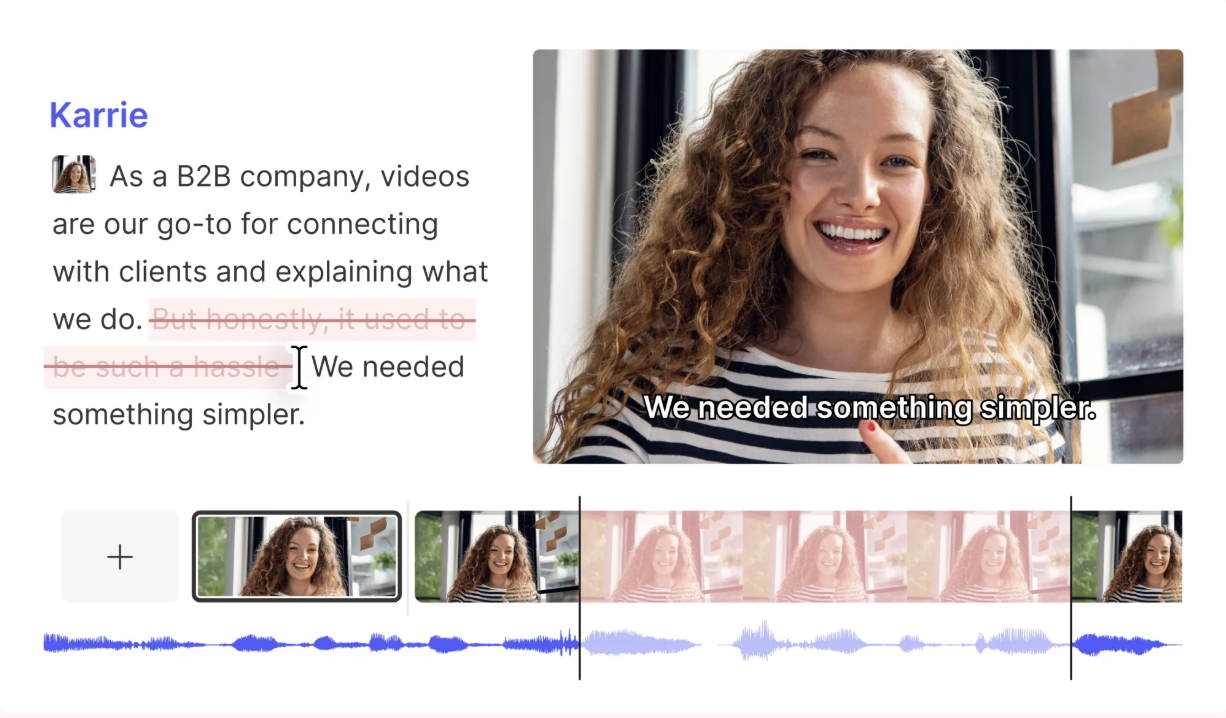
Instead of editing video on a traditional timeline, creators can edit videos almost like editing a Google Doc.
That means you can:
remove filler words
clean up awkward pauses
generate captions
improve audio quality
create transcripts
quickly repurpose clips
For creators recording workshops, webinars, coaching sessions, or podcast-style lessons, this can save an enormous amount of time.
One of the smartest uses of Descript is taking content that already exists and turning it into educational products.
A recorded workshop can become:
a mini-course
bonus lesson material
downloadable transcripts
social clips
student resources
Once polished, those assets can easily be uploaded into Teachable as standalone products, bonuses, or full-course lessons.
And that’s an important shift for creators to understand: sometimes your next digital product already exists. It just hasn’t been packaged yet.
5. Perplexity: Best for Research, Statistics & Content Validation
One of the biggest challenges with AI-generated content is accuracy.
Just because something sounds confident doesn’t mean it’s correct.
That’s why Perplexity can be incredibly useful for creators building educational content.
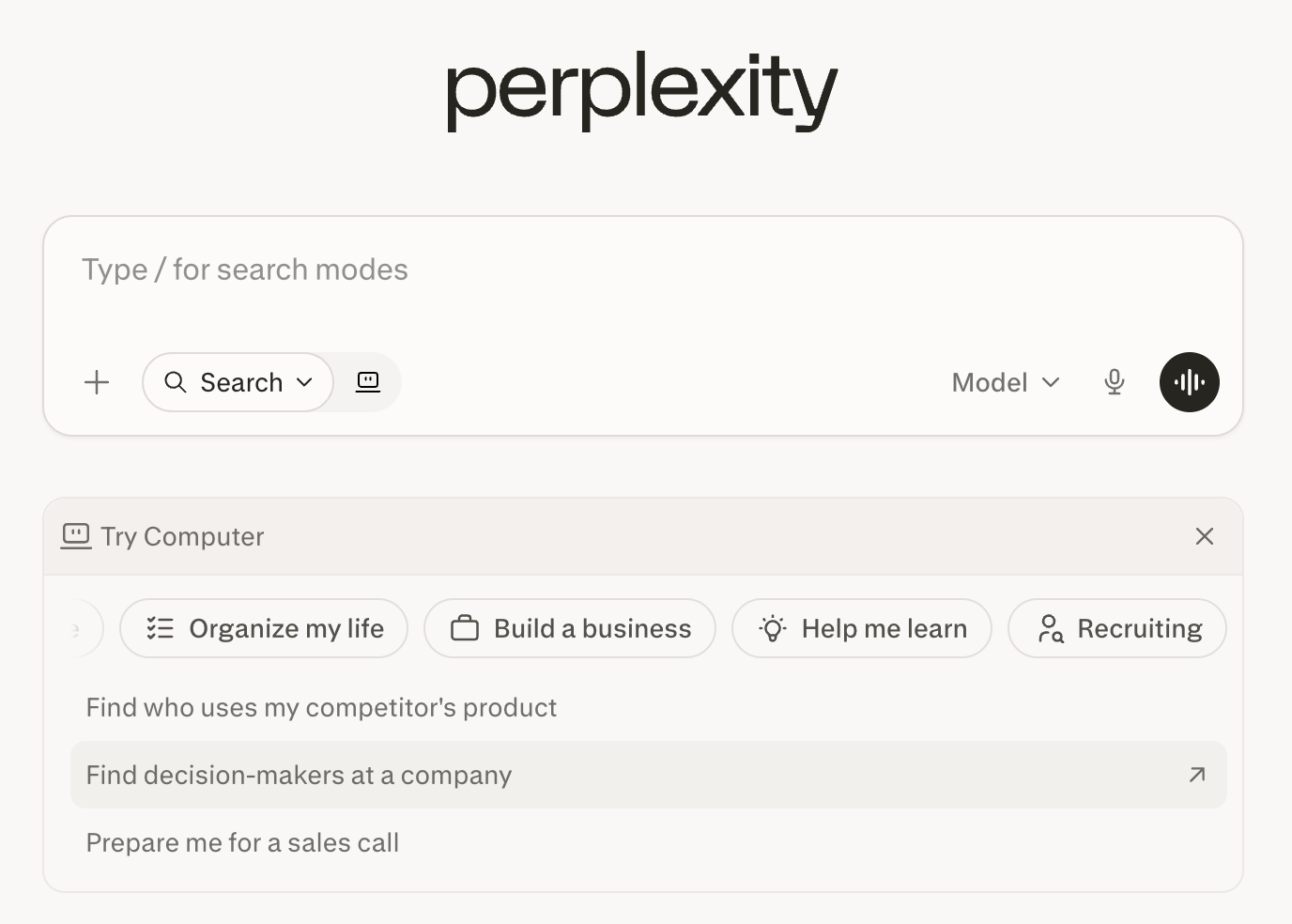
Perplexity helps streamline research by pulling together sourced information in a way that feels faster and more conversational than traditional search engines.
Creators can use it to:
gather statistics
research trends
compare tools
summarize articles
validate educational claims
explore recent industry developments
This is especially valuable when creating:
business education products
marketing trainings
technology tutorials
industry-specific workshops
Because educational content carries responsibility.
When creators sell knowledge on platforms like Teachable, credibility matters. Research matters. Accuracy matters.
AI can absolutely accelerate the research process, but creators still need discernment and expertise to guide the final product.
6. Zapier + AI: Best for Connecting Your Tools & Automating Repetitive Tasks
Some of the best AI workflows have nothing to do with content creation at all.
They’re about reducing repetitive admin work.
At its core, Zapier has always been incredibly useful for creators because it connects the tools you already use and automates workflows between them.
For example, creators can automate workflows like:
adding new Teachable students to an email platform
sending onboarding emails after enrollment
organizing webinar leads
triggering notifications for purchases
saving testimonials or application forms automatically
connecting multiple apps together behind the scenes
Even without AI, that alone can save creators hours of manual work every week.
But where Zapier becomes especially powerful is when you combine those workflows with AI tools and AI-powered actions.
Instead of simply moving information from one app to another, AI workflows can actually help interpret, summarize, categorize, draft, and make decisions within the automation itself.
For example:
AI could summarize a student application before sending it to your inbox
categorize support requests by urgency
draft personalized follow-up emails
analyze feedback forms for common themes
turn webinar transcripts into marketing ideas automatically
Zapier now supports AI-powered workflows, AI integrations, and even AI agents that can work across thousands of apps.
And that’s an important distinction.
Traditional automation follows rules.
AI-powered automation introduces interpretation and adaptability into the workflow itself.
For Teachable creators, that can create a much smoother experience both behind the scenes and for students.
7. Notion AI: Best for Planning, Organization & Operational Support
Creating a digital product is one thing.
Managing everything around the digital product is another.
That’s where Notion AI can become incredibly useful.
Many creators are juggling:
launch calendars
product ideas
content plans
affiliate notes
SOPs
student feedback
onboarding systems
brainstorming sessions
marketing timelines
Notion AI can help organize and centralize all of those moving pieces.
Creators can use it to:
summarize meeting notes
brainstorm content ideas
build launch plans
organize workflows
create internal documentation
manage product ecosystems
For creators building multiple products on Teachable, having a centralized planning hub becomes increasingly valuable as the business grows.
Because at a certain point, the challenge isn’t just creating content anymore. It’s managing the growing complexity of your business.
Why AI Works Best Alongside a Platform Like Teachable
AI tools can absolutely help creators brainstorm faster, organize ideas, edit videos, automate repetitive tasks, and market their products more efficiently. But eventually, all of those workflows still need somewhere to live.
That’s where a platform like Teachable becomes so important.
The AI tools above help support the workflow around your business, but Teachable is what helps turn those ideas into an actual product ecosystem. It’s the place where creators can host courses, sell digital downloads, manage coaching offers, organize memberships, process payments, and deliver a professional student experience all in one place.
And that distinction matters because AI tools alone don’t build sustainable businesses.
A creator can generate outlines with ChatGPT, organize curriculum in Claude, design workbooks in Canva, and automate workflows with Zapier, but at the end of the day, they still need a reliable platform to house their content, support their students, and monetize their expertise.
More importantly, creators still need a direct relationship with their audience. They need a place where their expertise, personality, teaching style, and customer experience can exist beyond social media algorithms and fleeting trends.
That’s why I think the most effective creators won’t necessarily be the ones trying to automate everything. They’ll be the ones who learn how to use AI strategically to reduce friction without removing the human elements that make people connect with their work in the first place.
Because people don’t buy courses simply because the slides look polished or the workflow is automated.
They buy because they trust the creator behind it. They buy because someone helped them feel seen, understood, inspired, or capable of solving a problem they care deeply about.
AI can support that process beautifully. It can help creators move faster, simplify production, and spend less time buried in repetitive tasks. But the real magic still comes from the lived experience, perspective, storytelling, and expertise only a human creator can bring to the table.
That’s the opportunity I see with AI and platforms like Teachable working together—not replacing creativity, but creating more space for it.