


business insights
More to Read
fan favorite
100 Profitable Digital Product Ideas
Plus, a totally free challenge to kick you into action and get this baby launched.

3 Reasons Why We Use Canva
Canva is hands-down the most popular graphic design tool we see used almost every single day by creative business owners. It’s the perfect tool for beginners, people who just want to make a quick graphic, and anyone who values ease-of-use and a moderate amount of tools without having to use and learn robust software.
Here at Boss Project, we definitely fit in with that crowd! Although we have professional designers on our team that are trained in those robust softwares, nothing beats using Canva to whip up jaw-dropping graphics for all purposes.
In fact, there are 5 main reasons why we use Canva (and why you should, too!), which is what we’re going to cover in this blog post!

The Ultimate List of Canva Resources to Create Beautiful Designs
Canva is the ultimate graphic design tool for small businesses. It has a user-friendly interface, is super easy to use, and takes almost no time to get the hang of. We use it almost every single day to create designs for our business and will likely continue to use it for years to come, no matter the fact that we have professional designers on our team. That’s just how good it is!
Because we love it so much, we have a million and one resources out there to help you get to know Canva and begin using it for different purposes in your business. So with that said, enjoy this ultimate list of Canva resources to get you creating beautiful designs ASAP!

5 Ways to 5x the Value of Your Services (Without Increasing Your Time)
When it comes to serving clients, we’re big on making sure you’re providing an exceptional client experience, care, and value through your services. But when you think of the word “services”, what comes to mind? It’s much more than just doing the work that you offer— it also encompasses every aspect of their time with you from onboarding to offboarding.
However, while we think the value of your services is important, we think that saving time where you can is just as important. So, in this blog post, we’ll be breaking down 5 ways to 5x the value of your services without increasing your time!

How to Create Your Brand in Canva
We love Canva for all things related to simple graphics and design for our business. We use it for multiple purposes (which we list out in this blog post), especially for our templates in The Creative Template Shop. Basically, it’s the one tool that any small business owner should have in their back pocket to quickly and easily whip up graphics for their biz.
Canva has a free forever version, which already allows you to do most things. However, they also have Canva Pro which unlocks extra perks, one of those being the ability to create your brand kit(s) and have them saved to access easily when creating something. In this blog post, we’ll explain how you can create your brand in Canva, plus we include a video tutorial to show you exactly where to find everything you need!

How We Use Canva as Creative Entrepreneurs
Canva is our holy grail for all things pertaining to creating graphics and marketing material, especially on the fly. Its user-friendly interface and perfect balance of tools makes it our absolute favorite app for graphic design. Anyone can use Canva, no matter if you’re a beginner or expert. Heck, we both have backgrounds in graphic design and still prefer to use it even though we can and have used Adobe software.
We preach about it so much to creative entrepreneurs, and they quickly find it a staple in their tool list. However, you may still be confused on what you can actually create, so in this blog post, we’re going to cover how we use Canva as creative entrepreneurs!

The Frugal Business Owner’s Guide to Graphic Design
If you’re anything like us, you like to make sure your money is going to something with a positive ROI before you invest in it. And we mean doing lots of research to be at least 99% positive that it’s worth the time and cash. Especially when you’re a new business, you don’t have the extra money to just throw spaghetti at the wall, so it’s really important that it’s going to stick. The same applies to all things graphic design.
Graphic design is a huge part of every business. It’s your social media content, your marketing assets, your website, your brand collateral, it’s pretty much everything visible about your business. And even though it’s super important, that doesn’t directly correlate with needing to spend big dollar bills on it.
In this blog post, we want to show you how you can make all things graphic design happen without breaking the bank. Welcome to the frugal business owner’s guide to graphic design!

15 Ways You Could be Using Canva Right Now
Whenever we need to create quick graphics, Canva is always our go-to. The user-friendly interface and intuitive builder makes it ridiculously easy to create graphics for practically anything we need. It’s the perfect graphic design tool for business owners looking to create marketing assets themselves because anyone can use it, no matter if you have little to no graphic design experience or you’re an award-winning designer. (Our in-house designer for Boss Project, for example, still uses Canva for many of our graphics.)
But what would you actually use Canva for? Anything, really! In fact, we can think of at least 15 ways you could be using Canva right now, which we’ll cover in this blog post.

Canva vs. Picmonkey, Which is the best photo editor and why
Canva and Picmonkey are two of the largest editors for those looking for a quick and simple way to create designs. If you’re a beginner in graphic design or photo editing, you’ll probably find these two tools to be lifesavers. There’s always the question, though, of which one is the best and why?
In this blog post, we’re going to give a side-by-side comparison of Canva and Picmonkey, so you can decide which would be best for your needs and business!

Canva vs. Adobe, Which one is right for your online business
As a business owner looking to design and create graphics and other marketing materials, it can be super difficult to decide what kind of software you should be using, especially if you have little to no graphic design experience. However, not everyone is at a place where they can (or want to) outsource these things to someone else.
We’re big fans of Canva but with backgrounds in graphic design, we’re no stranger to the Adobe software, like Photoshop and Illustrator. So, we want to give you a comparison so that you can make the final decision on which software is right for your business and needs!

Welcome to My Blog
Hey, I’m Abagail Pumphrey!
You know when you are so deeply passionate about something you can’t help but share it? That’s how this blog has felt for the last decade. I’ve written about my latest strategies, tech how-tos, experience with scaling and so much more. I hope you find just what you’re looking for. We’re here to help!




-

Free Challenge
<hr>
-

Free Training
-
Free Download
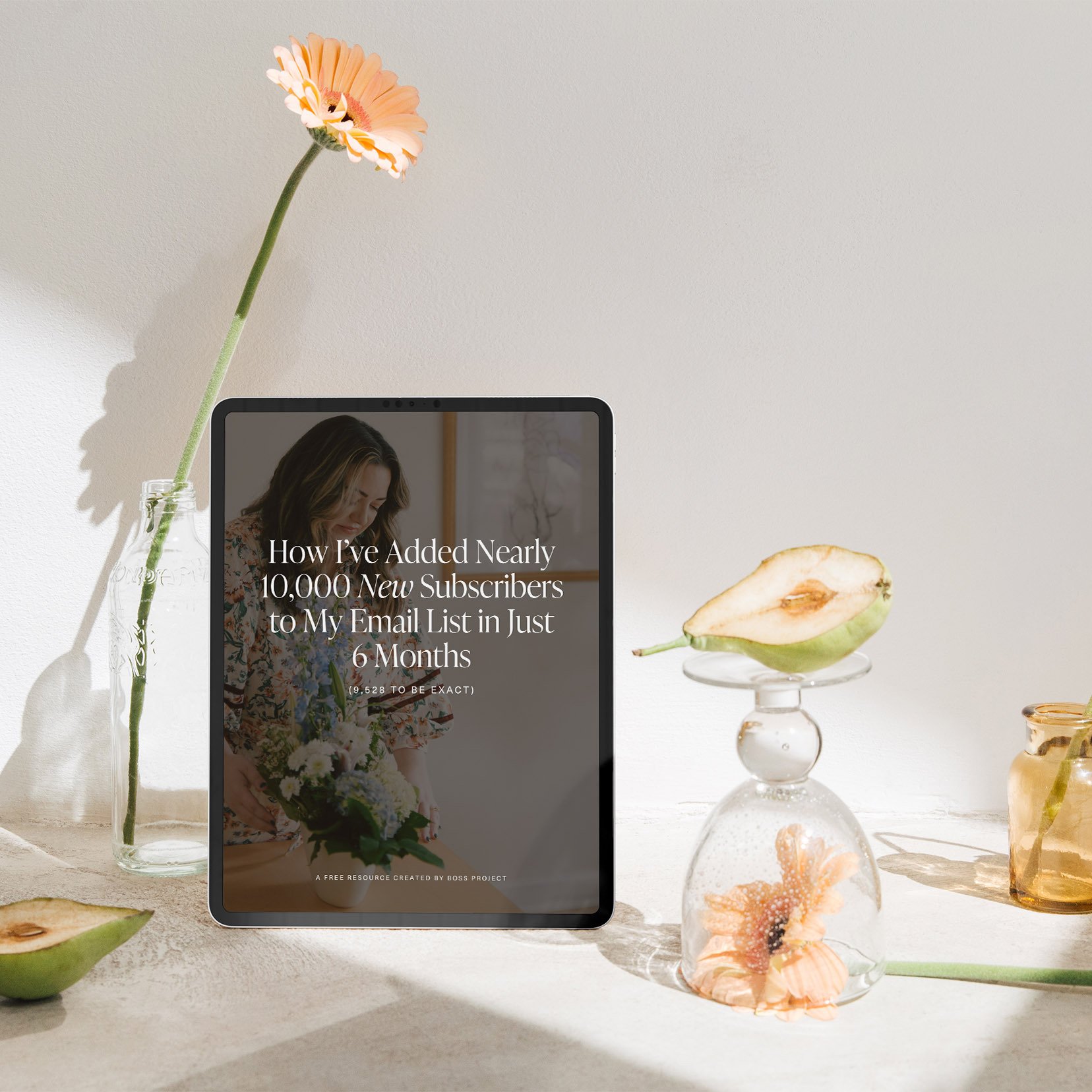
<hr><h4>How I Added 10,000 Subscribers to My Email List</h4>